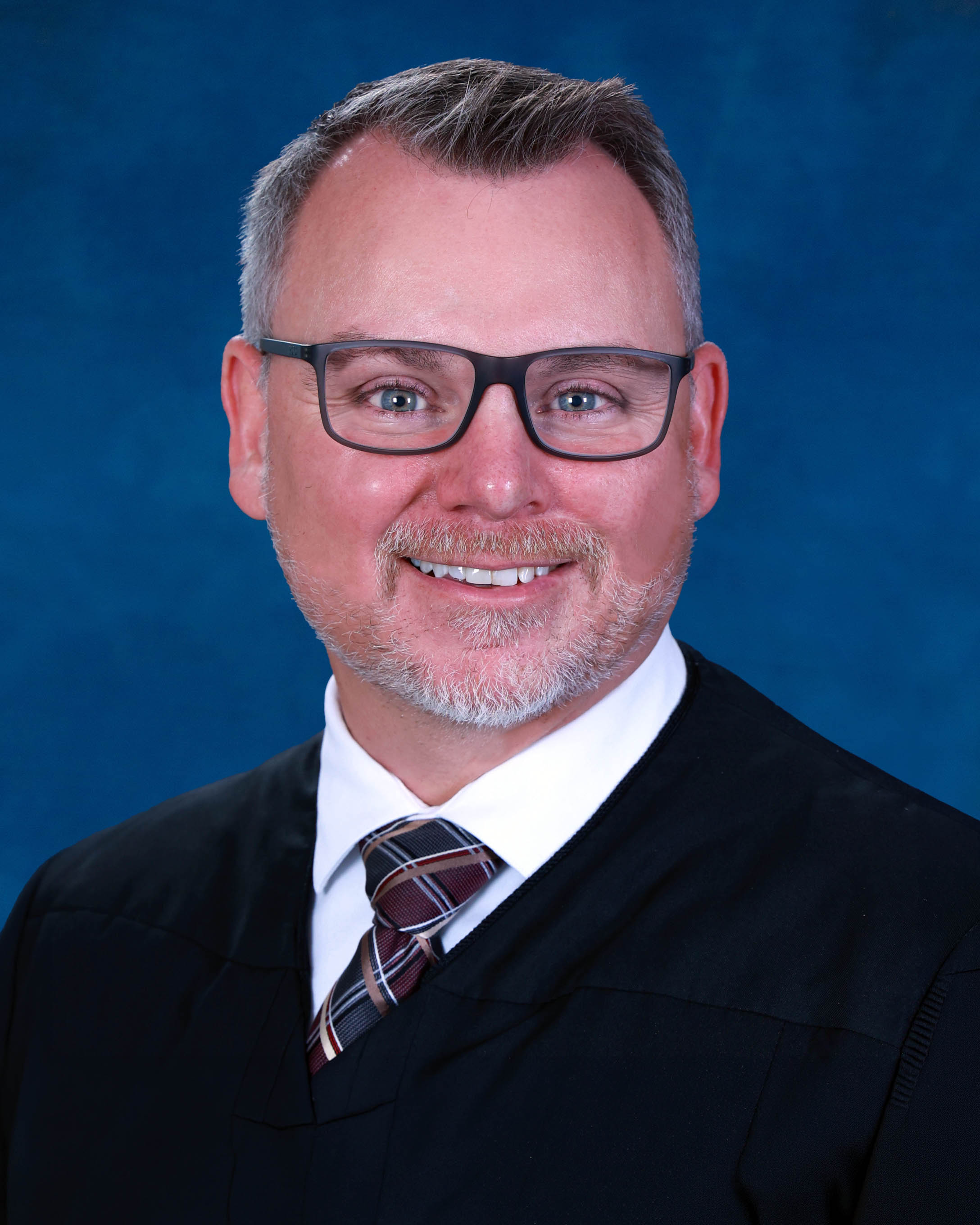
Judge Adam L. Bantner
Individual Rules, Standing Orders & Policies
Limits & Logistics
Document Limits
Courtesy Copies
Case Law, Legal Authority
- Upon request
Notice Of Hearing
- Email • Upon Filing
Objection
Chambers Copy
Court-wideAdjournments
- A last-minute hearing cancellation made without good cause may lead the court to rule on the pending motion without a hearing.
Communication
Chambers
Phone
Chambers
Clerk
Clerk
Clerk
Document Format Requirements1 rule
A proposed order does not need a signature line or judge name because the court will imprint them.
No signature line or judge name is needed. It will be imprinted with the signature.
Document Filing Requirements3 rules
Every motion must contain the certificate required by Florida Rule of Civil Procedure 1.202(b).
The motion must contain the certificate required by Rule 1.202(b), Fla.R.Civ.P.
Document Type
Motion
A Notice of Hearing for a Zoom hearing must state both parties' consent and include prescribed Zoom instructions.
The Notice of Hearing must clearly indicate that both parties consent to the hearing being held via Zoom. It must also include the following language in the Notice of Hearing:
Document Type
Notice Of Hearing
The proposed order's Done and Ordered section must use the specified judicial language.
The “Done and Ordered” section should read: Done in Chambers, Tampa, Hillsborough County, State of Florida, on the date and time imprinted below with the Court’s electronic signature.
Document Type
Proposed Order
Filing & Service rules
Electronic Filing Rules
Motions, affidavits, stipulations, responses, exhibits, and similar pleadings other than proposed orders should be electronically filed through the court's portal.
All motions, affidavits, stipulations, responses, exhibits or similar pleadings (except proposed orders) should be electronically filed with the Clerk through the e-filing portal.
Page 1 | Zoom Hearings
A hearing cancellation notice, other than for an Initial Pretrial Conference Hearing, must be electronically filed with the clerk at least 24 hours before the hearing.
Any hearing cancellation (except an Initial Pretrial Conference Hearing) must be made in writing, e-filed with the Clerk, and emailed to civdivm@fljud13.org at least 24 hours prior to the scheduled hearing.
Page 1 | Procedures & Preferences
After obtaining a hearing time, the Notice of Hearing must be electronically filed with the clerk and emailed to chambers.
After obtaining a hearing time either through JAWS or the Judicial Assistant, a Notice of Hearing must be e-filed with the Clerk of Court and a copy emailed to chambers at civdivm@fljud13.org.
Page 1 | Procedures & Preferences
Attorneys should upload proposed orders in PDF format through the electronic-filing portal for court review.
Attorneys should submit and upload proposed orders (in pdf format) to the Court for review via the e-filing portal.
Page 1 | Submitting Orders
Filing Timing and Cure Windows
The deadline for supplying case law and legal authorities to the court is three business days before the hearing.
Please provide case law and any legal authority by hard copy to the Court at least 3 business days prior to a scheduled hearing.
Page 1 | Zoom Hearings
Proposed orders should be submitted within one week after the hearing or ruling unless the court directs otherwise.
Please submit proposed orders to the Court within one (1) week of the hearing and/or ruling unless otherwise indicated by the Court.
Page 1 | Submitting Orders
Service and Proof of Service Rules
Except for an Initial Pretrial Conference Hearing, a hearing cancellation must be written, electronically filed, and emailed to chambers at least 24 hours before the hearing.
Any hearing cancellation (except an Initial Pretrial Conference Hearing) must be made in writing, e-filed with the Clerk, and emailed to civdivm@fljud13.org at least 24 hours prior to the scheduled hearing.
Page 1 | Procedures & Preferences
Courtesy Copy Requirements
Case law and other legal authorities must be supplied to the court in hard copy at least three business days before the hearing.
Please provide case law and any legal authority by hard copy to the Court at least 3 business days prior to a scheduled hearing.
Page 1 | Zoom Hearings
When an objection to a communication-technology motion is filed, a courtesy copy must be emailed to the court.
If an objection is filed, a courtesy copy must be provided to the Court at civdivm@fljud13.org.
Page 1 | Zoom Hearings
A copy of the Notice of Hearing must be emailed to chambers after filing it with the clerk.
After obtaining a hearing time either through JAWS or the Judicial Assistant, a Notice of Hearing must be e-filed with the Clerk of Court and a copy emailed to chambers at civdivm@fljud13.org.
Page 1 | Procedures & Preferences
Pre-Motion Conference Requirements
Good-faith consultation is required for nondispositive motions and encouraged for dispositive motions before setting a hearing.
The movant must confer with the opposing party in good faith, pursuant to Rule 1.202(a), Fla.R.Civ.P., on non-dispositive motions and are encouraged to confer on dispositive motions prior to setting for a hearing.
Page 1 | Procedures & Preferences
A motion must be filed before the matter is scheduled for a hearing in JAWS.
A motion must be filed with the Clerk of Court before setting the matter for hearing in JAWS.
Page 1 | Procedures & Preferences
A party seeking to use communication technology at a hearing must file and serve a Rule 2.530(b) motion at least 14 days before the hearing and provide chambers a courtesy copy.
Should a party request the use of communication technology for the appearance of counsel, presentation of testimony, or any other reason, that party must file a motion, pursuant to Rule 2.530(b), Fla. R. Gen. Prac. & Jud. Admin. requesting the ability to use such technology at least 14 days prior to the scheduled hearing and serve the motion on the opposing party or their counsel as well as provide a courtesy copy to the Court at civdivm@fljud13.org.
Page 1 | Zoom Hearings
If no objection is filed within 10 days after service, the movant may upload a proposed order; if an objection is filed, the movant must provide a courtesy copy to the court.
If the non-moving party does not file any objection within 10 days of service of the motion, the movant may upload a proposed Order to the Division M work queue. If an objection is filed, a courtesy copy must be provided to the Court at civdivm@fljud13.org.
Page 1 | Zoom Hearings
Adjournment & Extension Requirements
A last-minute hearing cancellation made without good cause may lead the court to rule on the pending motion without a hearing.
The Court will always review relevant motions and responses prior to a scheduled hearing. Accordingly, last minute cancellations (less than 1 business day notice) made without good cause may result in the Court ruling on the pending motion without a hearing.
Page 1 | Procedures & Preferences
Chambers Communication Rules
Matters requiring more than 60 minutes of hearing time must be scheduled through the Judicial Assistant.
Any matters requiring more than 60 minutes of hearing time must be scheduled through the Judicial Assistant.
Page 1 | Procedures & Preferences
To request final-pre-trial and trial dates, parties must email the division and include all parties in the email.
In order to schedule a jury trial or non-jury trial date, parties must send an email to the division’s email,CIVDIVM@FLJUD13.ORG, requesting final pretrial and trial dates. ALL PARTIES MUST BE INCLUDED IN ANY EMAIL SENT TO THE COURT.
Page 1 | Scheduling Procedure
The court permits Zoom for non-evidentiary hearings lasting 30 minutes or less.
However, pursuant to Rule 2.530(b)(1), Fla. R. Gen. Prac. & Jud. Admin., the Court will allow Zoom to be utilized for non-evidentiary hearings of 30 minutes or less.
Page 1 | Zoom Hearings
The Judicial Assistant may assist with civil cases and the docket but may not provide legal advice or discuss specific case details.
Please note the Judicial Assistant is happy to assist with the Court’s cases and docket. However, the Judicial Assistant may not provide legal advice or discuss specific case details.
Page 1 | Procedures & Preferences
Questions about Zoom or telephonic appearances may be directed to the court office at the listed telephone number.
If you have any additional questions, please contact the office, (813) 272-5353.
Page 1 | Zoom Hearings