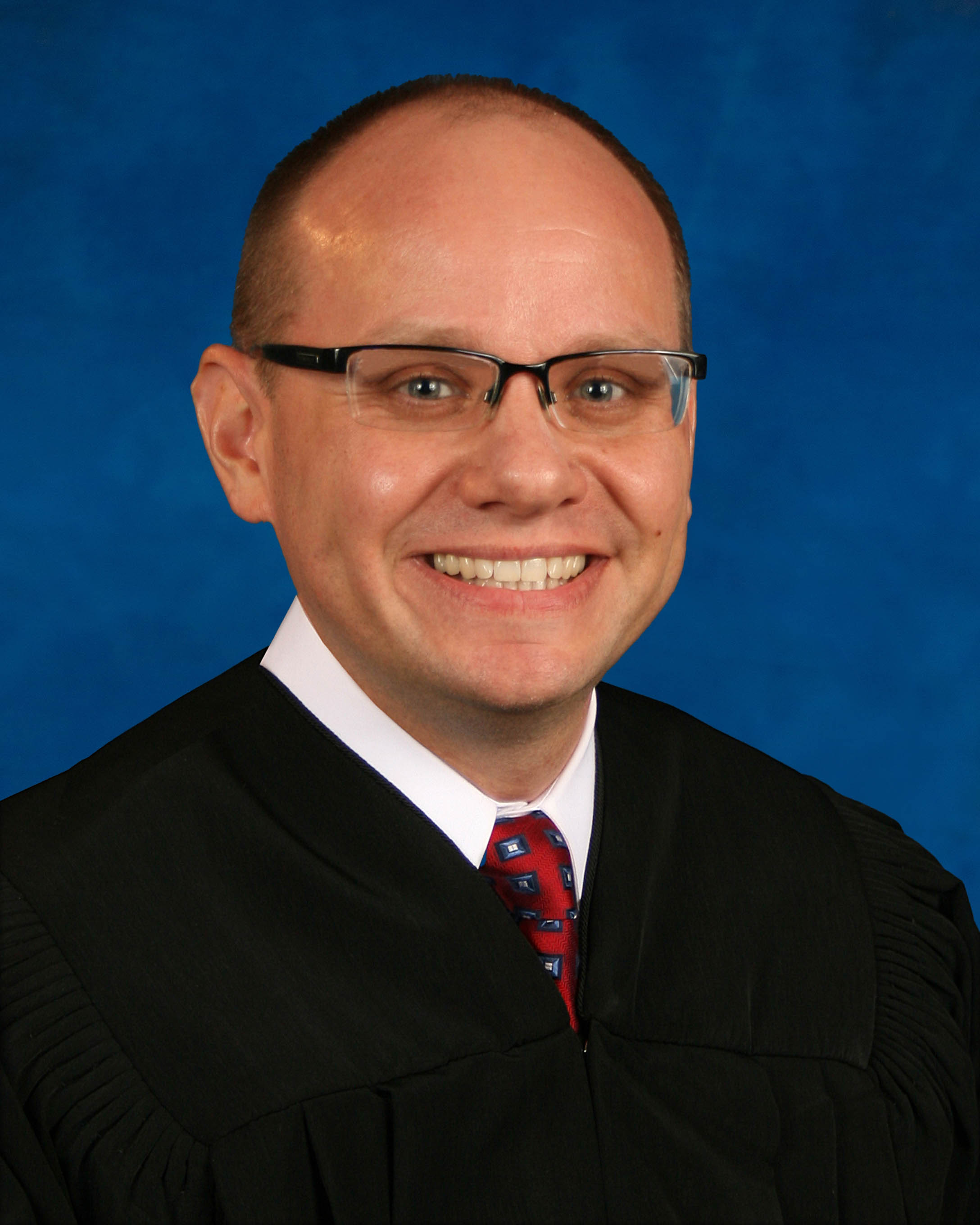
Judge Christopher C. Nash
Individual Rules, Standing Orders & Policies
- Rules last changed:
Limits & Logistics
Document Limits
Courtesy Copies
Exhibit List
- 2 copies
Exhibits
- Morning Of Trial
Chambers Copy
Court-wideCourtesy copies
Court-wideCommunication
Clerk4 contacts
- (813) 272-5508
- legalbailbonds@hillsclerk.com
- ilbonds@hillsclerk.com
- bonds@hillsclerk.com
Chambers3 contacts
- divg@fljud13.org
- divisiong@fljud13.org
- 1-786-635-1003
Document Format Requirements5 rules
Only agreed orders may be submitted, and they must use PDF format.
Submit AGREED Orders only, use PDF format.
Exhibits must be labeled before trial with self-adhesive white labels, preferably Avery 5963, affixed on the back of the exhibit’s last page in the bottom-left corner.
Exhibits must be marked with SELF-ADHESIVE WHITE LABELS (RECOMMENDED -AVERY 5963) prior to trial. All self-adhesive labels must be affixed on the back of the last page of the exhibit on the bottom left hand corner.
The inventoried-by and date box must appear at the bottom of every page of the exhibit list.
THIS BOX MUST BE AT THE BOTTOM OF EVERY PAGE OF EXHIBIT LIST INVENTORIED BY: ___________________________________________________________ DATE: ______________________
Orders submitted for electronic signature must be uploaded into the judge's QUEUE rather than the List, with the correct division letter selected.
Upload into Judges QUEUE, not into List. Choose correct Division Letter
All exhibits must be properly labeled, placed in a three-ring binder, and separated with tabs so each exhibit remains together.
Ensure all exhibits are labeled properly (see above) and placed in a 3-Ring Binder. Exhibits should be separates by tabs to ensure that every page of each exhibit stays together.
Document Filing Requirements5 rules
All orders require a separate cover letter filed in the proper division.
ALL ORDERS REQUIRE A SEPARATE COVER LETTER FILED IN PROPER DIVISION.
Document Type
Order
A completed Exhibit List covering all exhibits is required.
In addition, an Exhibit List of all exhibits must be completed (see page 2).
Document Type
Exhibit List
Exhibits must be listed numerically, and the numbers on the exhibits and exhibit list must match.
List all exhibits numerically making sure the number on the exhibits match those on the exhibit list.
Document Type
Exhibit List
Motions must not be included with submitted orders.
DO NOT INCLUDE MOTIONS WITH THE ORDER.
Document Type
Order
The Evidence Data Sheet must identify the lead attorney who will attend trial and provide that attorney’s bar number.
Please list lead attorney who will be present for trial along with their bar number.
Document Type
Evidence Data Sheet
Filing & Service rules
Electronic Filing Rules
All Division G orders must be uploaded through the Florida e-portal.
ALL ORDERS FOR DIV G ARE TO BE UPLOADED THROUGH THE FLORIDA E-PORTAL.
Page 1 | Circuit Civil, Division G
Trial orders must be uploaded to the e-portal for the judge to sign.
TRIAL ORDERS NEED TO BE UPLOADED TO THE E-PORTAL FOR THE JUDGE TO SIGN.
Page 1 | Circuit Civil, Division G
Courtesy Copy Requirements
A labeled copy of all exhibits must be available to the clerk on the morning of trial.
Please have the clerk’s copy of all (labeled) exhibits available the morning of your trial.
Page 1 | Trial Exhibits
Two copies of the exhibit list must be provided to the court: one for the judge and one to accompany the exhibits for the clerk.
Exhibit list: Please provide the Court with two copies of your exhibit list, one for the Judge and the other must accompany your exhibits for the clerk.
Page 2 | Exhibit List Continuation
Adjournment & Extension Requirements
A new trial order must not be prepared or submitted until the court grants the continuance and authorizes issuance of a replacement order.
Do not prepare or submit a new Trial Order unless and until the Court grants the continuance and authorizes issuance of a new Trial Order.
Page 1 | Circuit Civil, Division G
Chambers Communication Rules
A hearing cancellation within 24 hours of the hearing, or notice that the case has settled, must be emailed to the Judicial Assistant.
If you need to cancel a hearing within 24 hrs. of the hearing or to advise that case has settled, email divisiong@fljud13.org .
Page 1 | Circuit Civil, Division G
For cases filed in 2024 or later, the Motion to Continue may be prepared and emailed to the Judicial Assistant for judge review and further guidance.
Cases filed in 2024 or later: The Motion to Continue may be prepared and emailed to DIVG@FLJUD13.ORG. The Judicial Assistant will review the motion with the Judge and provide further guidance.
Page 1 | Circuit Civil, Division G
The Judicial Assistant must be emailed at the listed address to obtain the pretrial time certain for the trial order.
EMAIL JA TO DIVISIONG@FLJUD13.ORG TO GET THE PRE-TRIAL TIME CERTAIN TO ADD TO THE TRIAL ORDER.
Page 1 | 2026 Trial/Pretrial Scheduled
Matters may be scheduled only if they can be heard within 5 minutes.
Matters can only be scheduled if they can be heard within 5 minutes
Page 1 | UMC's Methods of Conducting Telephonic Hearings
The Notice of Cancellation of Foreclosure Sale must be faxed to the Clerk of the Circuit Court at the listed number.
For this form only, please fax to Clerk of the Circuit Court at (813) 272-5508
Page 1 | Forms
A request for hearing dates exceeding one hour must be emailed to the Judicial Assistant, who will provide a list of dates to coordinate.
IF YOU NEED HEARING DATES MORE THAN 1 HOUR, EMAIL THE JA AND SHE WILL SEND YOU A LIST OF HEARING DATES YOU CAN COORDINATE
Page 1 | UMC's Methods of Conducting Telephonic Hearings
Counsel may email the Judicial Assistant to request a time-certain pretrial date and time when the prescribed DCMO trial period is agreed upon.
If counsel agrees to the prescribed trial period set forth in the DCMO, counsel may email the Judicial Assistant at DIVG@FLJUD13.ORG to request a time-certain pre-trial date and time to be included in the Pre-Trial Order.
Page 1 | Circuit Civil, Division G