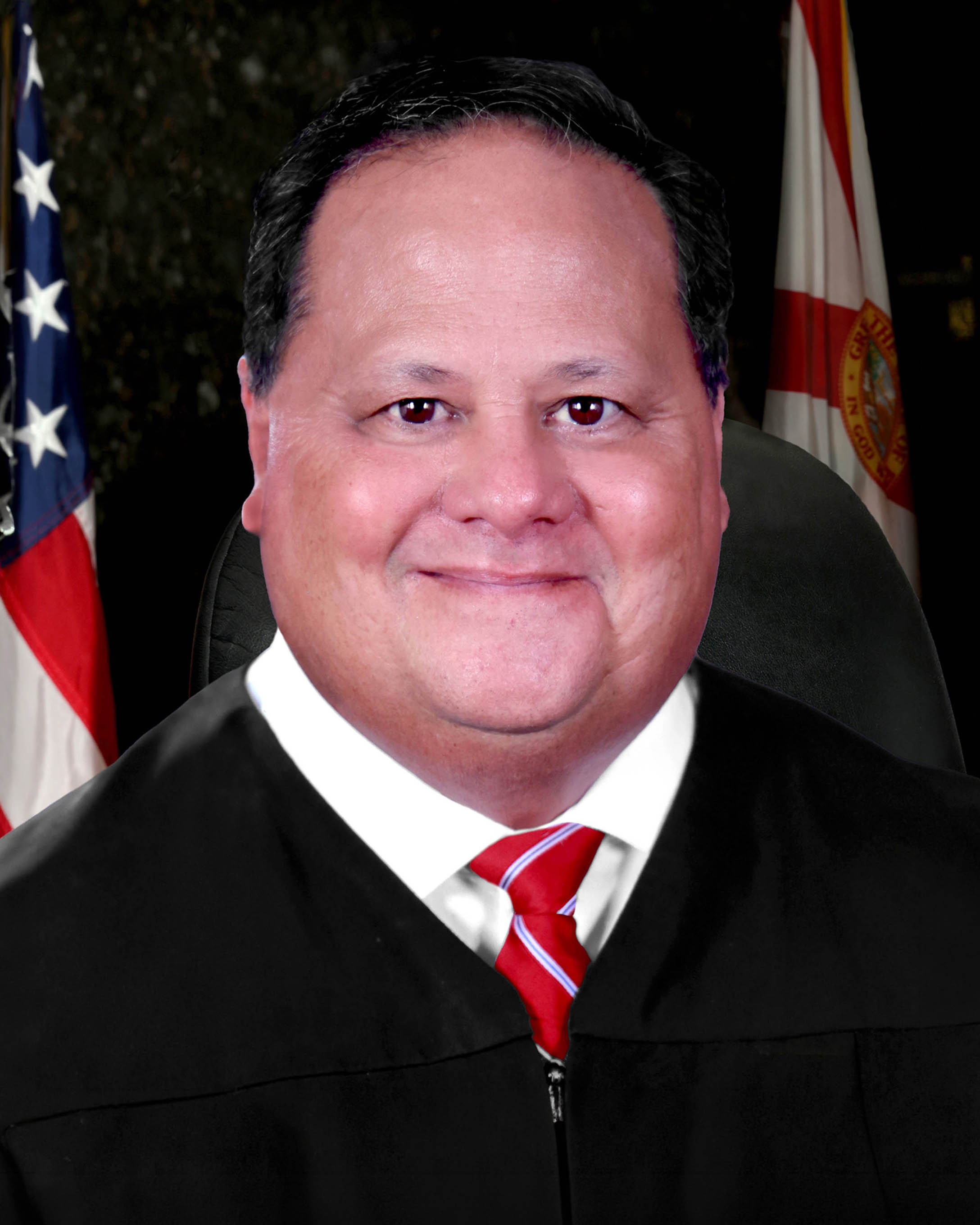
Judge Christopher C. Sabella
Individual Rules, Standing Orders & Policies
- Rules last changed:
Limits & Logistics
Document Limits
Courtesy Copies
Chambers Copy
Court-wideCourtesy copies
Court-wideExtraordinary Writ Petition
Court-wide- Immediately Upon Filing
Financial Affidavit, Exhibits
Court-wideAdjournments
Court-wideRequest must include
Communication
Chambers
Clerk
Clerk
Clerk
Phone
Court-wideChambers
Document Format Requirements2 rules
Competing proposed orders must be emailed in Word format with “Competing Order” and the case number in the subject line.
the parties shall simultaneous email the competing form of proposed order in word format to cornelcm@fljud13.org with a subject line which includes “Competing Order” and the case number.
DOCX
Proposed orders should be submitted through the Florida E-Portal in PDF format.
A proposed order should be submitted for the judge’s review via the Florida E-Portal in PDF format.
Document Filing Requirements2 rules
A notice of hearing involving a remote appearance must include the judge’s Zoom credentials.
A notice of hearing involving any remote appearance must list the judge’s Zoom credentials.
Document Type
Notice Of Hearing
Requests to appear remotely using communication technology must be made by motion.
Requests to use communication technology for an appearance must be made by motion.
Document Type
Remote Appearance Request Motion
Filing & Service rules
Electronic Filing Rules
All proposed orders must be submitted through the proposed-order section of the Florida Courts E-Filing Portal.
All proposed orders must be submitted to the court by the proposed order portion of the Florida Courts E-Filing Portal.
Page 4 | D. Submission of Orders and Judgments
Self-represented litigants excused from email service may submit proposed orders by U.S. mail or hand delivery to the judicial office.
Self-represented litigants excused from e-mail service may submit proposed orders to the court by U.S. mail or hand-delivered to the judicial office.
Page 4 | D. Submission of Orders and Judgments
Filing Timing and Cure Windows
A notice of hearing must be filed and served immediately after hearing time is reserved.
A notice of hearing must be filed and served immediately after reserving hearing time.
Page 2 | B. Scheduling Procedures
Service and Proof of Service Rules
Parties must separately register each entitled email address in JAWS for each case to receive electronically signed orders, judgments, notifications, and court correspondence.
Filing a notice of an email address through the Portal does not input the email address into the JAWS for purposes of receiving electronically signed orders, judgments, JAWS notifications, or email correspondence from the Court. Parties must register their email address on JAWS for each individual case and for each individual attorney or party entitled to service.
Page 2 | A. Communications with the Judicial Office
A notice of hearing must be served immediately after hearing time is reserved.
A notice of hearing must be filed and served immediately after reserving hearing time.
Page 2 | B. Scheduling Procedures
Attorneys and self-represented litigants must make and receive service by email, generally through the Florida Courts E-Filing Portal, unless excused.
All attorneys and self-represented litigants must make and receive service by e-mail, which is generally through the Florida Courts E-Filing Portal, unless excused.
Page 2 | A. Communications with the Judicial Office
Chambers Communication Rules
All parties must be copied on email sent to the judicial office unless an ex parte communication is authorized by law, and communications must comply with Canon 3.
All communications with the judicial office must comply with Canon 3 of the Code of Judicial Conduct, which prohibits a judge from initiating, permitting, or considering ex parte communications and from considering other communications outside the presence of the parties concerning a pending or impending proceeding, unless authorized by law. All parties must be copied on any e-mail directed to the judicial office, unless an ex parte communication is authorized by law.
Page 1 | A. Communications with the Judicial Office
Communications to the judicial office should be submitted by email to cornelcm@fljud13.org.
All communications to the judicial office should be submitted by e-mail to cornelcm@fljud13.org.
Page 1 | A. Communications with the Judicial Office
The court will not consider unsolicited communications from non-parties.
Parties may only contact the judicial office in accordance with these practices and procedures. Unsolicited communications from non- parties will not be considered by the court.
Page 1 | A. Communications with the Judicial Office
Email sent to or from the judicial office may be disclosed as a public record.
Any e-mail sent to or from the judicial office may be a public record subject to disclosure.
Page 2 | A. Communications with the Judicial Office
Hearing requests must be emailed to the judicial assistant, and the requesting party should copy opposing counsel and any self-represented litigant.
Hearings must be requested by contacting the judicial assistant at cornelcm@fljud13.org. The scheduling party should copy opposing counsel and any self-represented litigant on their request.
Page 2 | B. Scheduling Procedures
When competing proposed orders are submitted, the parties must simultaneously email the Word-format competing order to the court email address with the required subject line and case number.
the parties shall simultaneous email the competing form of proposed order in word format to cornelcm@fljud13.org with a subject line which includes “Competing Order” and the case number.
Page 3 | D. Submission of Orders and Judgments
The judicial assistant seeks to respond substantively to inquiries within one business day but may not provide legal advice.
The judicial assistant strives to substantively respond to all inquiries within one business day. However, the judicial assistant is not authorized to provide legal advice.
Page 2 | A. Communications with the Judicial Office
The judicial assistant provides the remote-appearing platform meeting ID and password by email.
Contact the judicial assistant at cornelcm@fljud13.org to obtain the platform meeting ID# and password.
Page 3 | C. Remote Appearance