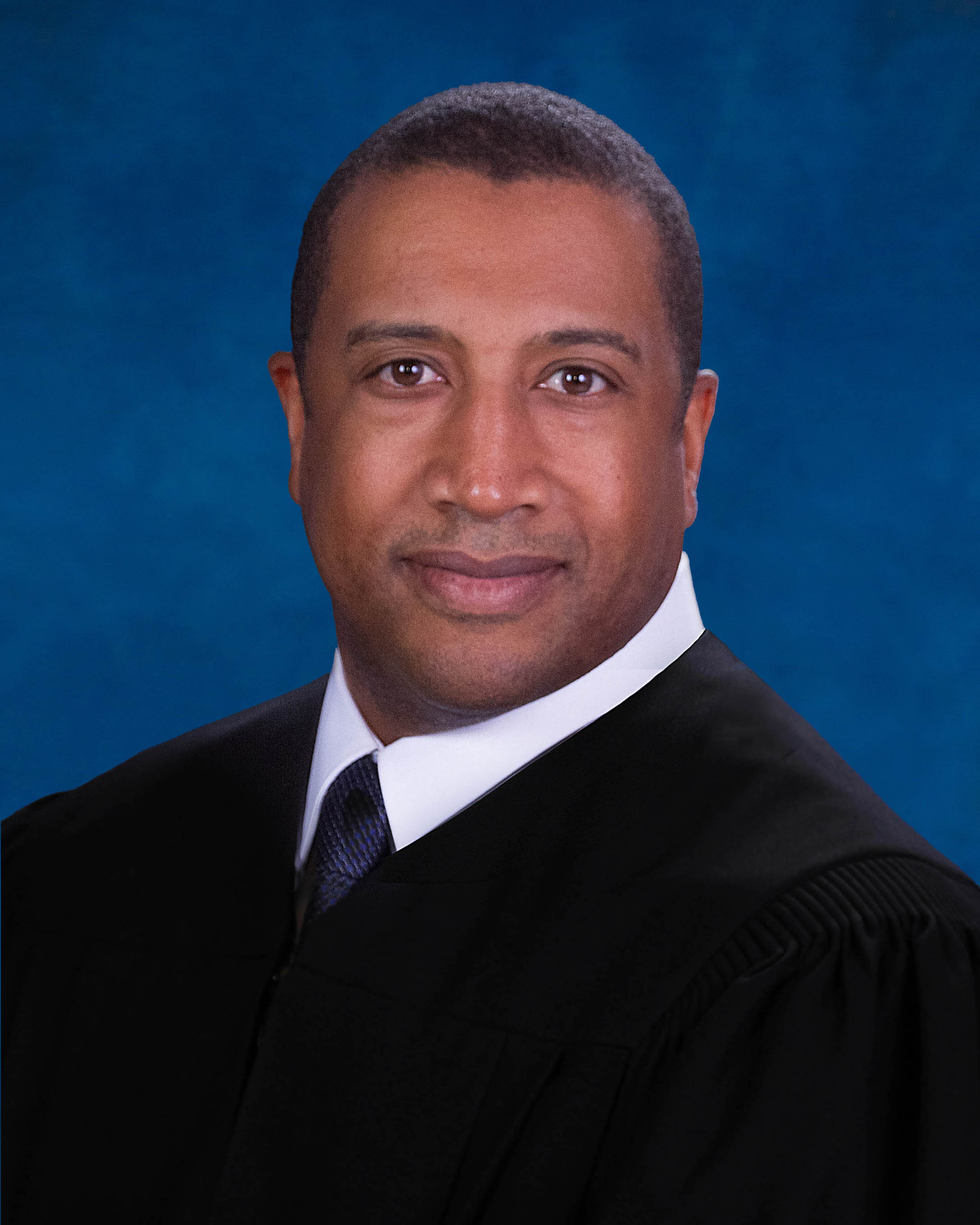
Judge Daryl Manning
Individual Rules, Standing Orders & Policies
Limits & Logistics
Document Limits
Courtesy Copies
Chambers Copy
Court-wideCourtesy copies
Court-wideExtraordinary Writ Petition
Court-wide- Immediately Upon Filing
Financial Affidavit, Exhibits
Court-wideAdjournments
Court-wideRequest must include
Communication
Chambers
Phone
Chambers
Clerk
Clerk
Clerk
Document Format Requirements2 rules
If any party is self-represented, proposed orders must be submitted to the court in paper form.
If at least one party is proceeding as a pro se litigant or a self-represented litigant, proposed orders, along with copies for conforming shall be submitted to the Court on paper.
Paper
Proposed orders submitted by attorneys through the e-filing portal must be in PDF format.
Attorneys should submit and upload proposed orders (in PDF format) to the Court for review via the e-filing portal.
Document Filing Requirements7 rules
An attorney or pro se party filing AI-generated content must disclose AI use on the document and certify personal review and verification of its accuracy; noncompliance may result in sanctions.
If any attorney or pro se party submits to the court any filing or submission containing AI generated content, that attorney or pro se party must disclose the use of artificial intelligence on the face of the document and also must include a certification that the attorney or pro se party has personally reviewed and verified the content’s accuracy. Failure to include this certification or comply with this verification requirement will be grounds for sanctions, as permitted by law.
Document Type
Filing Or Submission
Every proposed final judgment, including one awarding damages, must attach Florida Rules of Civil Procedure Form 1.977, the Fact Information Sheet.
All proposed Final Judgments including a damages award shall attach Florida Rules of Civil Procedure Form 1.977, Fact Information Sheet.
Document Type
Final Judgment
Hearings requiring more than 30 minutes are in person, and the notice of hearing must state that fact.
ALL hearings requiring more than 30 minutes are IN-PERSON and your Notice of Hearing must include that language.
Document Type
Notice Of Hearing
A hearing lasting more than one hour must be coordinated through the judge’s office, and its notice must state whether the hearing is in person or by Zoom.
Any hearing scheduled to last more than one-hourshould be coordinated through the Judge’s office and specific informationregarding in-person or Zoom shall be included on the notice of hearing.
Document Type
Notice Of Hearing
The date of the hearing must appear in the proposed order.
Please include date of hearing in proposed order.
Document Type
Proposed Order
Lawyers may coordinate hearings of one hour or less by Zoom, and the notice of hearing must include the two specified paragraphs of Zoom information.
Lawyers may coordinate all hearings one hour or less to take place via Zoom. The following two paragraphs of Zoom information shall be included on thenotice of hearing.
Document Type
Notice Of Hearing
A contested-order submission must include a cover letter identifying the parties’ lack of agreement.
If the order is contested, both parties shall upload a proposed order with a cover letter indicating the lack of agreement between the parties.
Document Type
Proposed Order
Filing & Service rules
Electronic Filing Rules
A cross-noticed hearing must first be cleared with opposing counsel and the judicial assistant; the resulting notice must include all matters set and be filed through the e-portal with a copy mailed or emailed to the judge’s office.
Any cross-noticed hearing must be cleared with opposing counsel and the Judicial Assistant. Once cleared, a notice of hearing including all matters set to be heard should be filed through the e-portal with a copy mailed or emailed to the Judge’s office.
Page 1 | Scheduling Hearings And Cancellation Of Hearings:
For a stipulated order, the motion and stipulation must be e-filed, and the agreed order with a copy of the stipulation must be uploaded to the work queue through the e-portal.
Parties may stipulate to an order. E-file the motion and stipulation and then upload an AGREED ORDER with a copy of the stipulation to the work queue through E-Portal.
Page 1 | Submitting Orders:
When any party is self-represented, proposed orders and conforming copies must be submitted to the court on paper with addressed, postage-paid envelopes for each party receiving the order.
If at least one party is proceeding as a pro se litigant or a self-represented litigant, proposed orders, along with copies for conforming shall be submitted to the Court on paper. Please also include addressed envelopes with postage for each party due to receive a copy of the order.
Page 1 | Submitting Orders:
After a hearing time is obtained and cleared with opposing counsel, the notice must be filed through the e-portal or, absent e-portal access, filed directly with the clerk, with a copy mailed or emailed to the judge’s office.
After obtaining a hearing time either through JAWS or the Judicial Assistant, and clearing the time with opposing counsel, a Notice of Hearing must be filed through the e-portal or, if one does not have access to the e-portal, directly with the Clerk of Court and a copy mailed or emailed to the Judge’s office (800 East Twiggs Street, Suite 313, Tampa, FL 33602; countycivildivx@fljud13.org ).
Page 1 | Scheduling Hearings And Cancellation Of Hearings:
When an order is contested, both parties must upload their proposed orders with a cover letter stating that the parties could not agree.
If the order is contested, both parties shall upload a proposed order with a cover letter indicating the lack of agreement between the parties.
Page 1 | Submitting Orders:
No additional hard copy of a proposed order should be sent to the court when it has been filed through the e-portal.
If a proposed order is filed through the e-portal, please do not send an additional, hard copy to the Court.
Page 1 | Submitting Orders:
Attorneys should upload proposed orders in PDF format through the court’s e-filing portal for review.
Attorneys should submit and upload proposed orders (in PDF format) to the Court for review via the e-filing portal.
Page 1 | Submitting Orders:
Filing Timing and Cure Windows
Proposed orders must be submitted to the court within 10 days after the hearing or ruling.
Please submit proposed orders to the Court within ten (10) days of the hearing and/or ruling.
Page 1 | Submitting Orders:
Unilateral hearing scheduling is permitted only with at least 60 days’ notice when opposing counsel is unresponsive.
UNILATERAL SCHEDULING IS ONLY PERMITTED WITH A MINIMUM OF 60 DAYS NOTICE IF OPPOSING COUNSEL IS NON-RESPONSIVE.
Page 1 | Scheduling Hearings And Cancellation Of Hearings:
Case law and other legal authority must be provided to the court at least two business days before the scheduled hearing.
Please provide case law and any legal authority to the court at least two (2) business days prior to a scheduled hearing.
Page 1 | Case Law, Legal Authority, And Artificial Intelligence:
Service and Proof of Service Rules
The party responsible for submitting an order must circulate it to all parties within seven calendar days after the hearing and make a concerted effort to agree on its language.
The party directed to submit the order must circulate the order with all parties within seven (7) calendar days of the hearing and make a concerted effort to agree on proposed language
Page 1 | Submitting Orders:
Chambers Communication Rules
A matter requiring more than 30 minutes of hearing time must be scheduled through Judicial Assistant Andi Ford.
Any matter requiring more than 30 minutes of hearing time must be scheduled through Judicial Assistant Andi Ford.
Page 1 | Scheduling Hearings And Cancellation Of Hearings:
To schedule a jury or non-jury trial date, parties must email the division at the stated address.
In order to schedule a jury trial or non-jury trial date, parties must send an email to the division’s email, CountyCivilDivX@fljud13.org.
Page 1 | Jury Trial And Non-Jury Trial Weeks
After selecting the final pretrial and trial dates, the parties must notify the judicial assistant by email of the dates on which they have agreed.
After the parties have selected the final pretrial and jury trial or non-jury trial dates, they will notify the JA via email of the agreed upon date.
Page 1 | Scheduling Procedure
Standby parties must provide their cellular telephone numbers to the judicial assistant and be ready to return to the courthouse within 45 minutes after trial call.
All other parties may be on stand-by status, and do not have to remain at the courthouse after trial call, but must give the JA their cellular phone numbers, and they must be ready to be at the courthouse within 45 minutes or risk having their trial passed over.
Page 1 | Day of Trial Procedure
A hearing cancellation must be communicated in writing by email to the division’s stated email address.
Any hearing cancellation must be made in writing and emailed to countycivildivx@fljud13.org.
Page 1 | Scheduling Hearings And Cancellation Of Hearings:
Parties must email the division requesting final pretrial and jury or non-jury trial dates.
In order to schedule a jury trial or non-jury trial date, parties must send an email to the division’s email, CountyCivilDivX@fljud13.org, requesting final pretrial and trial dates.
Page 1 | Scheduling Procedure
Every email sent to the court for trial scheduling must include all parties.
ALL PARTIES MUST BE INCLUDED IN ANY EMAIL SENT TO THE COURT.
Page 1 | Scheduling Procedure
Questions about the civil hearing procedures may be directed to the judge’s office at the stated telephone number.
If you have any additional questions, please contact the office,(813) 272-0248.
Page 1 | Setting Matters For Hearing In County Civil Division “X”