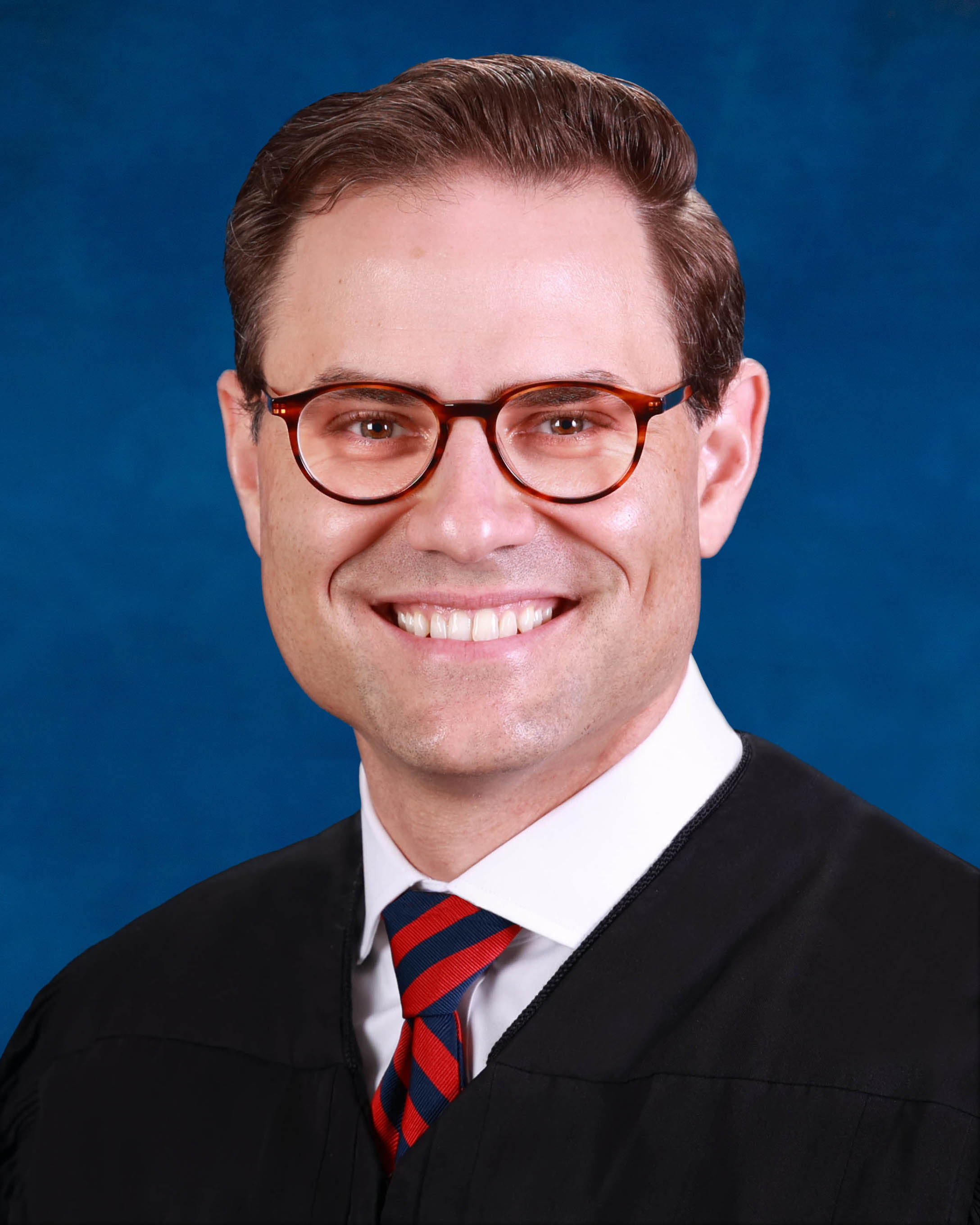
Judge J. Logan Murphy
Individual Rules, Standing Orders & Policies
Limits & Logistics
Document Limits
Courtesy Copies
Courtesy copies
Motion
Chambers Copy
Court-wideExtraordinary Writ Petition
Court-wide- Immediately Upon Filing
Adjournments
Court-wideRequest must include
Communication
Chambers
Clerk
Clerk
Clerk
Phone
Court-wideChambers
Document Format Requirements2 rules
Proposed orders must be uploaded in PDF format, and the e-portal rejects proposed orders uploaded in WORD format.
Proposed Orders must be uploaded in pdf. Proposed Orders uploaded in WORD are rejected by the eportal.
Hearing binders must be supplied as bookmarked PDF files.
Hearing binders should be provided as bookmarked pdfs.
Document Filing Requirements5 rules
A pretrial or trial may not be canceled unless completely settled, and cancellation requires an uploaded order approving voluntary dismissal plus emailed settlement paperwork to the judicial assistant.
You may not cancel a pretrial or trial unless the matter has been completely settled. If so, please upload an Order approving the voluntary dismissal, and also email the notice of settlement, NVD or other paperwork to the JA to confirm the cancellation
Document Type
Voluntary Dismissal Order
Every notice of hearing must state the filing date and docket number of the matter called for hearing.
In all notices of hearing, please include the date filed and docket number of the Matter being called up for hearing.
Document Type
Notice Of Hearing
Every notice of hearing must state the filing date and docket number of the matter called for hearing.
In all notices of hearing, please put the date filed and docket number of the Matter being called up for hearing.
Document Type
Notice Of Hearing
For orders not agreed upon, one email to the judicial assistant must include a cover letter describing the disputed differences, the hearing date, and WORD versions of the competing orders.
In the case of orders NOT agreed to, please submit one email to the JA at gencivdivd@fljud13.org containing a cover letter which describes the differences in the Orders, a reminder of the hearing date, and WORD versions of the competing orders for the Court’s review and editing; the Court will upload and sign an order on the hearing.
Document Type
Proposed Order
An agreed proposed order must be uploaded through the portal in PDF format, with a cover letter identifying the hearing date and confirming the parties' agreement.
Proposed orders that are agreed upon by the parties are to be uploaded through the portal in PDF format. Please include a reminder of the date of the hearing in the cover letter, and if the Order is agreed to by the parties.
Document Type
Proposed Order
Filing & Service rules
Electronic Filing Rules
Parties must upload the Uniform Order Setting Case for Trial and Pre-Trial by the Wednesday before the DCM hearing; uploading it excuses attendance, while a party challenging the trial date must attend.
Cases will be reviewed prior to the DCM hearing. Cases deemed ready to be set for trial will receive an Order Regarding DCM, setting the matter for pre-trial and trial in the presumptive period indicated in the DCM Order. Parties will be responsible for uploading the Circuit Civil Uniform Order Setting Case for Trial and Pre-Trial (revised Apr. 30, 2021) by the Wednesday before the DCM hearing. Uploading the Order will excuse parties from the DCM hearing. Parties that feel the trial date is unreasonable must attend the DCM hearing.
Page 1 | Additional Procedures
Parties filing through the e-portal must associate the filing with the case in JAWS and select recipients for rejection notices.
Parties must ensure they are associated to the case in JAWS and have selected recipients for rejection Notices.
Page 1 | Circuit Civil, Division D Preferences - The Top Ten
Proposed documents and exhibits for evidentiary hearings should be uploaded through the e-portal.
For Evidentiary hearings should uploaded via the eportal: proposed documents, exhibits
Page 1 | Circuit Civil, Division D Preferences - The Top Ten
When the parties agree, motions and responses must be e-filed and the judicial assistant must be emailed the titles of motions the judge should resolve without a hearing.
If the parties agree, e-file motions and responses and advise the judicial assistant via email of the title(s) of the specific motions you want the Judge to resolve without a hearing.
Page 1 | Additional Procedures
Service and Proof of Service Rules
A request or message sent to the judicial assistant by email must copy all other parties.
Please email the JA at gencivdivd@fljud13.org and copy all other parties with your request or message.
Page 1 | Circuit Civil, Division D Preferences - The Top Ten
Courtesy Copy Requirements
Courtesy copies must be emailed to the judicial assistant with the case number and hearing date and time, except for documents already viewable in the court file.
Please email courtesy copies to the JA at gencivdivd@fljud13.org. Please ensure the email includes the case number and hearing date and time. Documents that are viewable in the court file do not need to be provided.
Page 1 | Circuit Civil, Division D Preferences - The Top Ten
After filing and properly flagging an emergency motion, the party must email a courtesy copy to the judicial assistant.
After the motion is filed with the clerk and properly flagged as an emergency pursuant to Administrative Order S-2024-046, Paragraph 19 (B), please email the JA with a courtesy copy so the Court is aware of the need to act on the Motion.
Page 1 | Circuit Civil, Division D Preferences - The Top Ten
Filing Bundling Requirements
Counsel may submit agreed motions and briefs by email and the e-portal instead of a hearing, must contact the judicial assistant about an in-person hearing, and must not submit briefing notebooks.
Counsel may agree to submit motions and briefs by email and to the e-portal for the Court’s review and ruling in lieu of a hearing of if an in-person hearing is requested, please contact Judge Murphy’s assistant,Jaclyn Dingwerth, at gencivdivd@fljud13.org so we know to expect written submissions rather than a telephonic hearing or to discuss scheduling of an in-person hearing. Please do not submit briefing notebooks; submit your motions and memoranda by email.
Page 1 | Schedule
Chambers Communication Rules
A hearing canceled within 24 hours requires an emailed cancellation notice, with an additional telephone call if cancellation occurs moments before the hearing.
Canceling hearings within 24 hours of the hearing: Please email the JA a copy of the notice of cancellation; if it is moments before the scheduled time of the hearing, please also phone the JA, Jaclyn, at 813-307-4751 so we know not to expect your attendance at the hearing.
Page 1 | Circuit Civil, Division D Preferences - The Top Ten
A hearing canceled more than 24 hours in advance may be canceled through JAWS if scheduled there, or by email to the judicial assistant if it was scheduled by email.
If you are canceling more than 24 hours in advance and the hearing was scheduled through JAWS, you may cancel it also through JAWS. If you scheduled it by Emailing the JA, please email a notice of cancellation to her at gencivdivd@fljud13.org.
Page 1 | Circuit Civil, Division D Preferences - The Top Ten
A request for a hearing longer than 60 minutes must be directed to the judicial assistant to obtain availability.
Anyone requesting a hearing of longer than 60 minutes must contact the JA for availability.gencivdivd@fljud13.org
Page 1 | 15, 30 and 60 minute hearings
The judicial assistant must be emailed the titles of specifically identified motions that the judge should resolve without a hearing.
If the parties agree, e-file motions and responses and advise the judicial assistant via email of the title(s) of the specific motions you want the Judge to resolve without a hearing. gencivdivd@fljud13.org
Page 1 | Additional Procedures
Before an earlier trial-setting request, parties must contact the court office to confirm agreement and obtain placement on the pretrial conference docket before uploading the trial-setting order.
Prior to the DCM hearing parties may agree to the trial being set on or before the presumptive period in the Differentiated Case Management Order, however they must contact our office first to confirm agreement and then to be set on the Pre-Trial Conference docket prior to uploading the Circuit Civil Uniform Order Setting Case for Trial and Pre-Trial (revised Apr. 30, 2021).
Page 1 | Additional Procedures
A pro se litigant may email the judicial assistant to obtain hearing availability.
Pro Se litigants may email the JA for hearing availability.
Page 1 | 15, 30 and 60 minute hearings
Parties may email the judicial assistant to request an in-person non-jury trial or lengthy evidentiary hearing.
Parties who want an in-person hearing may contact the JA at gencivdivd@fljud13.org to request the same for non-jury trials or lengthy evidentiary matters.
Page 1 | Circuit Civil, Division D Preferences - The Top Ten