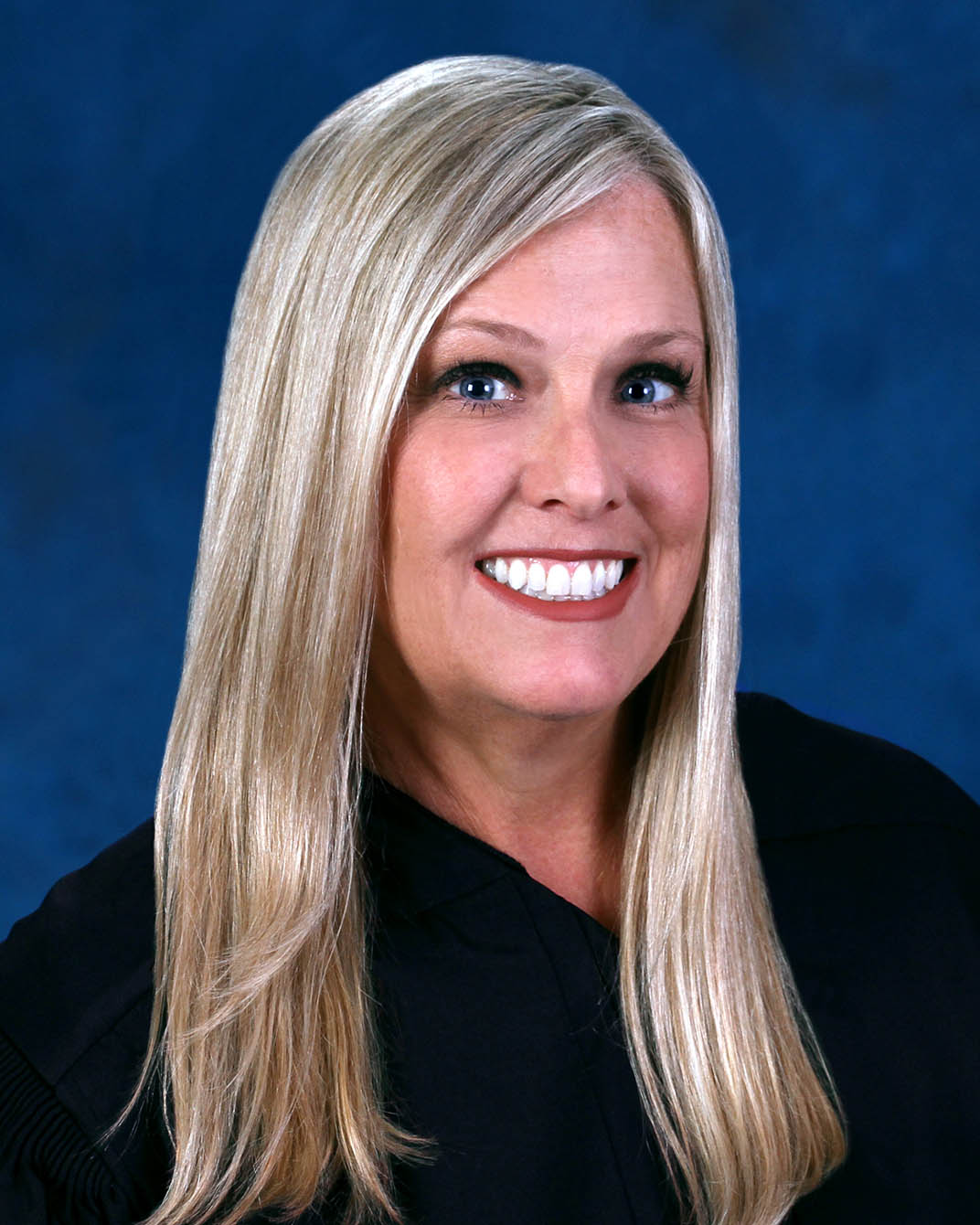
Judge Kelly A. Ayers
Individual Rules, Standing Orders & Policies
Limits & Logistics
Document Limits
Courtesy Copies
Chambers Copy
Court-wideCourtesy copies
Court-wideExtraordinary Writ Petition
Court-wide- Immediately Upon Filing
Financial Affidavit, Exhibits
Court-wideAdjournments
Court-wideRequest must include
Communication
Phone
Chambers
Chambers
Clerk
Clerk
Clerk
Document Format Requirements1 rule
Zoom hearing and trial materials must use tabs corresponding to the documents in the table of contents.
Please organize the notebooks and documents with a table of contents with corresponding tabs displaying the documents.
Paper
Document Filing Requirements2 rules
The cover letter must state whether all parties agree to the proposed order.
The Cover Letter needs to include whether or not the proposed order is agreed upon by all Parties.
Document Type
Cover Letter
Zoom hearing and trial materials must include a table of contents and corresponding document tabs.
Please organize the notebooks and documents with a table of contents with corresponding tabs displaying the documents.
Document Type
Hearing Trial Notebook
Filing & Service rules
Electronic Filing Rules
For an unrepresented party, upload the proposed order and cover letter to the Florida E-Portal and email a copy to the pro se party.
If a Party is not represented by counsel, proposed orders along with a cover letter are to be uploaded to the Florida E-Portal with a copy emailed to the Pro Se Party.
Page 1 | JAWS Availability
A proposed order submitted through the portal must not also be sent to the court as a hard copy.
If a proposed order is required to be uploaded to the Portal, please do not also send a hard copy to the Court.
Page 1 | JAWS Availability
Evidence must not be submitted through JAWS in this division.
This division does not utilize JAWS for the submission of edvidence.
Page 1 | JAWS Availability
All motions, affidavits, stipulations, proposed orders, and other documents must be filed through the electronic filing portal.
All motions, affidavits, stipulations, proposed orders and any other documents are to be electronically filed through the e-filing portal.
Page 1 | JAWS Availability
After obtaining a hearing time, the party must electronically file a notice of hearing.
After obtaining a hearing time either through JAWS or the Judicial Assistant, a Notice of Hearing is to be e-filed.
Page 1 | JAWS Availability
A notice of cancellation must be electronically filed and emailed to the judicial assistant.
A Notice of Cancellation is to be e-filed and emailed to the Judicial Assistant.
Page 1 | JAWS Availability
When both parties are represented, the proposed order and cover letter must be uploaded to the Florida E-Portal.
When submitting proposed orders, if both Parties are represented by counsel, proposed orders, along with a Cover Letter, are to be uploaded to the Florida E-Portal.
Page 1 | JAWS Availability
Filing Timing and Cure Windows
The order setting a final hearing or trial must be uploaded to JAWS at least 15 days before the proceeding.
For all Final Hearings and Trials, an Order setting Final Hearing/Trial must be uploaded to JAWS for execution 15 days prior to the hearing/trial.
Page 1 | Procedures & Preferences
For a Zoom hearing or trial, hard-copy hearing and trial materials must be provided to the court and the other party at least three business days before the proceeding.
Please provide all hearing and trial notebooks or documents to be used at the hearing/trial to the Court via hard copy, copying the other party, no later than three (3) business days prior to the scheduled hearing or trial.
Page 1 | For Zoom Hearings/Trials
When hard-copy final-hearing or trial materials are provided to the court, they must be copied to the other party and provided no later than three business days before the proceeding.
The Parties may provide all hearing and trial notebooks or documents to be used at the hearing/trial to the Court, via hard copy, at the time of the hearing/trial, copying the other party, no later than three (3) business days prior to the scheduled hearing or trial.
Page 1 | For In Person Final Hearings/Trials
When hard-copy in-person hearing materials are provided, they must be delivered to the court and other party at the hearing.
The Parties may provide all hearing notebooks or documents to be used at the hearing to the Court, via hard copy, at the time of the hearing providing the other party, a copy at the hearing.
Page 1 | For In Person Hearings
Service and Proof of Service Rules
A copy of the executed order must be emailed or mailed to each pro se party.
Please also email/mail each Pro Se Party a copy of the executed order.
Page 1 | JAWS Availability
Chambers Communication Rules
When parties cannot agree on a proposed order, they must email the competing orders to the judicial assistant or upload them through JAWS.
Competing Orders: If the parties cannot agree as to the content of a proposed order, please either email to the Judicial Assistant or upload via JAWS the competing orders.
Page 1 | JAWS Availability
A hearing not scheduled through JAWS must be cancelled in writing and emailed to the judicial assistant.
Any hearing cancellation is to be cancelled via JAWS or made in writing and emailed to the Judicial Assistant if the hearing was not scheduled through JAWS.
Page 1 | JAWS Availability
A party needing more than 10 minutes for a discovery motion should contact the judicial assistant so the hearing can be assigned additional docket slots.
In the event more 10 minutes for a Motion is needed, please contact the Judicial Assistant and the hearing can be scheduled for more than one slot on the Discovery Motion Docket.
Page 1 | Discovery Motions
Contact the judicial assistant by phone with issues or questions.
Please contact the Judicial Assistant, Dwauna Heyward, at (813) 276-2059 if you have any issues or questions.
Page 1 | Procedures & Preferences
If an open-docket date is unavailable, contact the judicial assistant to be added to the docket.
In the event an Open Docket is not readily available, please contact the Judicial Assistant, to be added to an Open Docket.
Page 1 | Motions to Withdraw as Counsel
An unrepresented party may email the judicial assistant to obtain available hearing times.
If a Party who is not represented by an attorney wants to schedule a hearing, please email the Judicial Assistant, Dwauna Heyward, at (813) 276-2059, for available hearing times.
Page 1 | Procedures & Preferences
Email the judicial assistant about problems obtaining hearing times, or request an open-docket case-management conference.
If a Party encounters any issues in obtaining hearing times, please either email the Judicial Assistant or set a Case Management Conference (CMC) on the Open Docket.
Page 1 | JAWS Availability