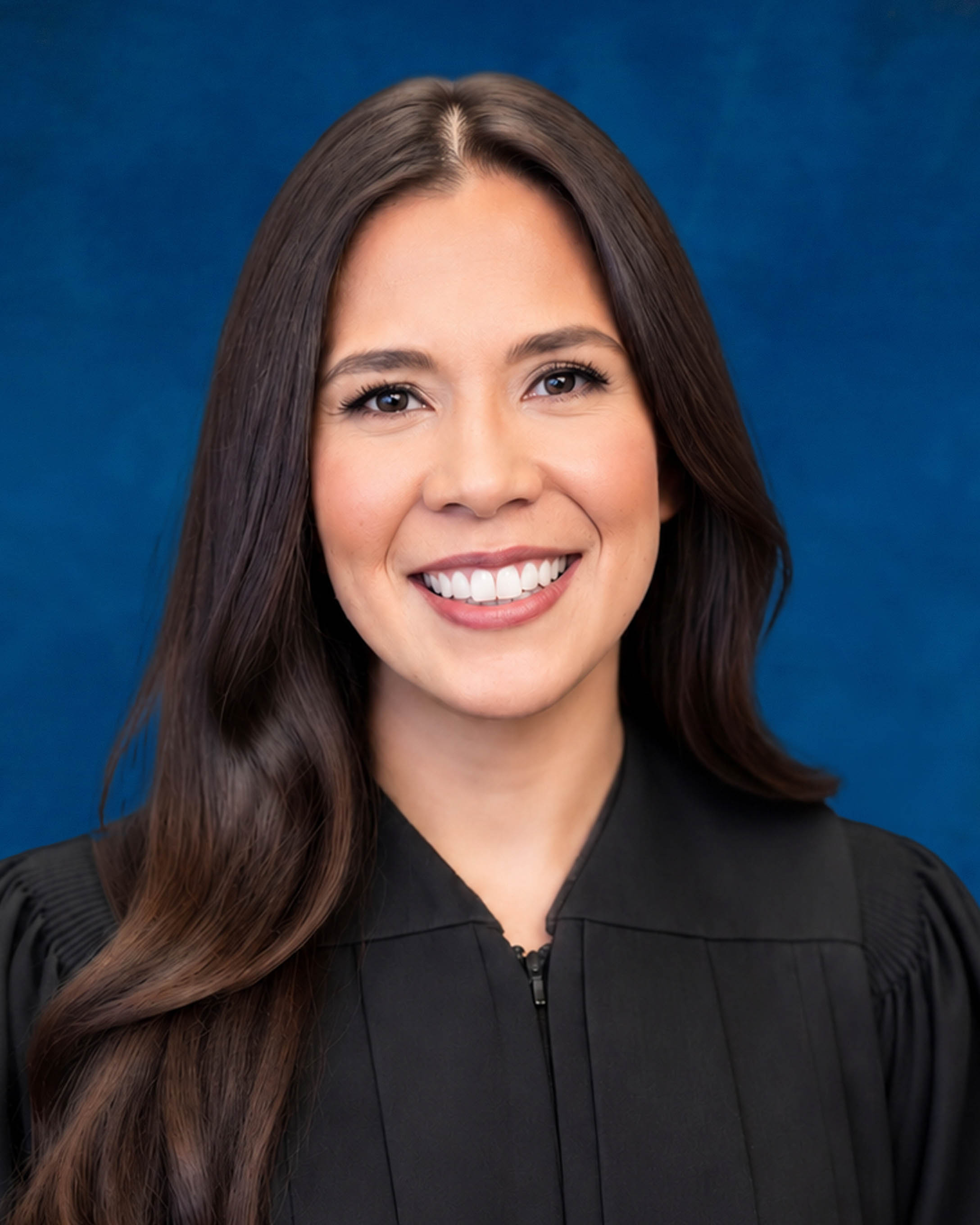
Judge Melissa C. Black
Individual Rules, Standing Orders & Policies
Limits & Logistics
Document Limits
Courtesy Copies
Chambers Copy
Court-wideCourtesy copies
Court-wideExtraordinary Writ Petition
Court-wide- Immediately Upon Filing
Financial Affidavit, Exhibits
Court-wideAdjournments
Court-wideRequest must include
Communication
Clerk
Phone
Chambers
Chambers
Document Format Requirements1 rule
Proposed orders must be submitted as PDFs through the Florida courts e-filing portal.
Proposed orders must be submitted in PDF format through the Florida courts e-filing portal.
Document Filing Requirements3 rules
Any attorney or pro se party filing AI-generated content must disclose the AI use on the document’s face and certify personal review and verification of its accuracy.
If any attorney or pro se party submits to the court any filing or submission containing AI generated content, that attorney or pro se party must disclose the use of artificial intelligence on the face of the document and also must include a certification that the attorney or pro se party has personally reviewed and verified the content’s accuracy.
Document Type
Filing Or Submission
The first paragraph of an agreed order must state the parties’ agreement to the relief and identify the docket entry number supporting that relief.
The first paragraph of the order must state that the parties agree to the relief afforded by the order, and it must identify the docket entry number of the stipulation or motion providing the basis for the relief E.g. (DN #).
Document Type
Agreed Order
A proposed order involving agreed or jointly sought relief must begin with the words “Agreed Order” in the caption.
Agreed orders: Proposed orders on agreed relief or relief sought jointly by the parties should begin with “Agreed Order” in the caption.
Document Type
Agreed Order
Filing & Service rules
Electronic Filing Rules
A notice of hearing must be filed through the e-portal after a hearing time is obtained and cleared with opposing counsel, or directly with the Clerk if portal access is unavailable.
After obtaining a hearing time, either through JAWS or the Judicial Assistant, and clearing the time with opposing counsel, a notice of hearing must be filed through the E portal, or, if one does not have access to the E portal, directly with the Clerk of Court
Page 1 | Procedures & Preferences
Proposed orders generally must be submitted as PDFs through the Florida courts e-filing portal, but paper submission is required for unrepresented parties or when portal access is unavailable.
Proposed orders must be submitted in PDF format through the Florida courts e-filing portal. If neither party is represented by council, or there is a lack of access to the Florida courts, e-filing portal, proposed orders, along with copies for conforming, are to be submitted to the court on paper.
Page 1 | Procedures & Preferences
Post-hearing proposed orders must be submitted through the e-portal, reflect the judge’s ruling, and include a cover letter stating the hearing date.
Submitting orders following a hearing, please submit orders to the court through the eportal reflecting the Judges ruling with a cover letter, stating the date of the hearing.
Page 1 | Procedures & Preferences
Division K hearings are in person, and motions must be filed in writing through the e-portal or directly with the Clerk of Court.
All hearings and family law Injunction for protection for Division ”K” take place in person. And any motions must be filed in writing through the e-portal or directly with the Hillsborough County Clerk of Court.
Page 1 | Procedures & Preferences
Filing Timing and Cure Windows
Case law and other legal authority must be delivered to the court at least five business days before the scheduled hearing.
Please provide case law and any legal authority to the court at least five (5) business days prior to a scheduled hearing by notebook delivered to the court.
Page 1 | Procedures & Preferences
Chambers Communication Rules
All claims of exemptions must be scheduled through the Clerk’s Office, with an email to the provided court-support address.
**ALL CLAIM OF EXEMPTIONS MUST BE SCHEDULED THROUGH THE CLERK'S OFFICEPlease email courtsupportmanagers@hillsclerk.com.
Page 1 | Procedures & Preferences
Hearings of 30 minutes or less must be scheduled through JAWS, while longer hearings must be scheduled through the Judicial Assistant.
All matters 30 minutes or less must be scheduled through JAWS. Any hearings more than 30 minutes must be scheduled through the Judicial Assistant, you may contact her at 813-301-7033 to obtain available dates and times.
Page 1 | Procedures & Preferences
A hearing cancellation must be made in writing and emailed to the court.
Any hearing cancellation must be made in writing and emailed to the court.
Page 1 | Procedures & Preferences